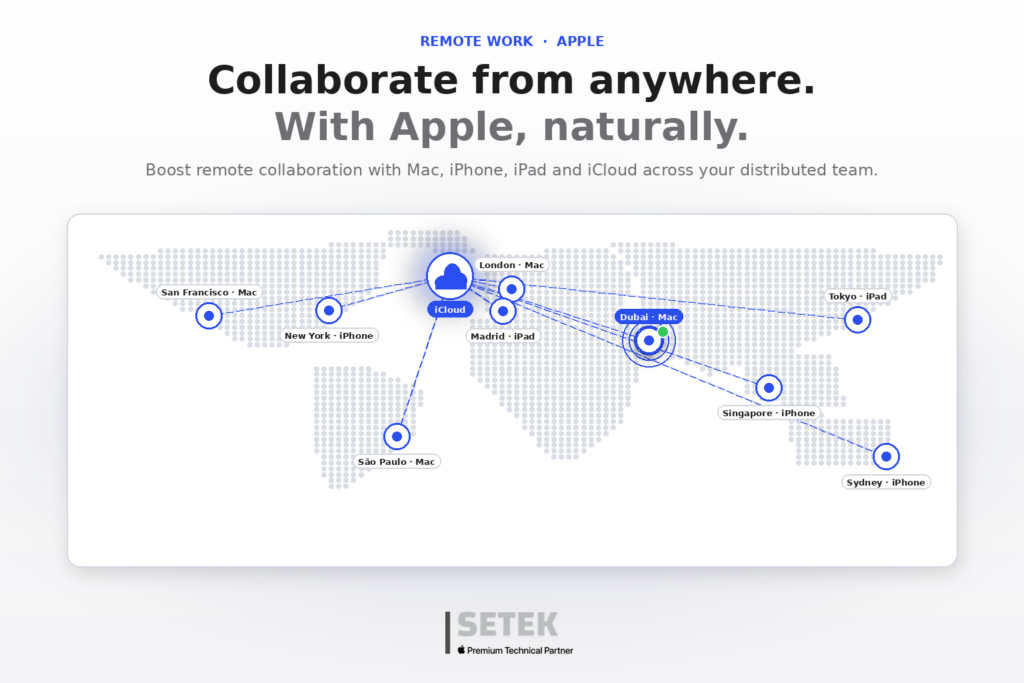
Remote and hybrid work has consolidated as the new normal for companies of every size, from startups in Dubai’s DIFC to consolidated enterprises across Madrid, Barcelona and Abu Dhabi. But beyond pure connectivity, the real key to success lies in collaboration. The Apple ecosystem delivers an integrated experience that elevates teamwork, security and productivity, enabling distributed teams to operate as if they were sitting in the same room.
In this article we explore how to get the most out of the Apple ecosystem for remote collaboration, how to configure your Mac for maximum productivity, and how Apple Business — paired with the right MDM platform — becomes the engine that scales remote work across hundreds of users.
The Apple ecosystem: the foundation of fluid collaboration
Apple does not just deliver elegant hardware. The combination of Mac, iPad, iPhone and services such as iCloud, FaceTime, Apple Notes and Freeform allows distributed teams to work fluidly and securely from any location. The most impactful tools for remote collaboration include:
- Group FaceTime and SharePlay for high-quality, end-to-end encrypted meetings and shared experiences.
- Freeform for visual brainstorming, whiteboarding and creative collaboration in real time.
- iCloud Drive for sharing, co-editing and version-controlling documents across devices.
- Business Messaging with native macOS and iOS integration for fast internal and customer communication.
- Universal Control and Continuity Camera to use multiple Apple devices as a single, seamless workspace.
- Notes and Reminders shared folders for lightweight task tracking inside small teams.
If your business is exploring how to roll out devices ready for remote work from day one, our guide on Zero-Touch Deployment for Apple devices explains how to ship preconfigured equipment directly to employees in any emirate or province.
Configuring your Mac for remote productivity
Before diving into remote work, make sure your Mac is properly tuned. The essentials we recommend at SETEK:
- Adjust system preferences for energy, network and notifications to fit a home or co-working setup.
- Sync your calendars, contacts and mail through Managed Apple Accounts.
- Enable Handoff, AirDrop and the Universal Clipboard to exchange information instantly across Mac, iPhone and iPad.
- Activate Focus modes to protect deep-work blocks across all your Apple devices.
- Configure Time Machine and an offsite backup to safeguard local data.
On the security side, Apple delivers end-to-end encryption in iMessage, FaceTime and iCloud. From the Mac you can also configure FileVault full-disk encryption, remote lock and locate through Find My, and manage VPN, Wi-Fi and certificate profiles. Apple’s Platform Security Guide is the authoritative reference on the cryptographic protections built into Mac, iPhone and iPad.
For a deeper view of how to harden your fleet, read our analysis on how to protect your Apple devices in 2026 with cybersecurity, MDM and AI.
Apple Business: the engine driving remote work in large teams
Apple Business (AB) allows organizations to configure and deploy hundreds of devices without manual intervention — the gold standard for businesses with distributed teams across the UAE, Spain and the wider GCC. AB integrates natively with leading MDM platforms such as Jamf Pro, Microsoft Intune, Kandji and Mosyle, enabling centralized management of network profiles, applications and security policies.
From the same platform your IT team can:
- Automate the enrollment of every new Mac, iPad and iPhone via Automated Device Enrollment (ADE).
- Distribute apps and books in volume without requiring personal Apple IDs.
- Manage Managed Apple Accounts at the corporate identity level.
- Enable Single Sign-On with Microsoft Entra ID, Google Workspace or Okta for secure access to internal resources.
- Synchronize directory information to keep groups, roles and permissions always up to date.
- Apply role-based access for IT administrators, content buyers and auditors.
Why this matters for businesses
For organizations operating with teams all around the glove, adopting the Apple ecosystem delivers tangible business outcomes:
- Faster onboarding. New hires receive a Mac, iPad or iPhone preconfigured and ready to work, regardless of where they are.
- Stronger compliance. Native encryption, supervised mode and managed identities support requirements such as ADHICS, the UAE PDPL, the GDPR and the Esquema Nacional de Seguridad in Spain. See our overview of the UAE National Cybersecurity Strategy.
- Lower TCO. Reduced IT effort, longer device lifecycles and high resale values make Apple the most cost-effective choice across the device lifecycle.
- Better employee experience. A consistent, intuitive interface that reduces support tickets and increases satisfaction — a key retention lever in competitive talent markets.
Let SETEK design your Apple-powered remote work environment
Adopting the Apple ecosystem in the enterprise is not just a technology decision — it is a strategy to elevate collaboration, security and efficiency in remote work. As Apple Premium Technical Partner for organizations across Spain, the UAE and the wider GCC, SETEK designs and operates the full stack: Apple Business setup, MDM selection and integration, zero-touch rollouts, identity federation and ongoing managed services. Discover our real customer stories and see how we have transformed the way teams work with Apple.
Want to optimize your remote work environment with Apple? Request your free consultation.