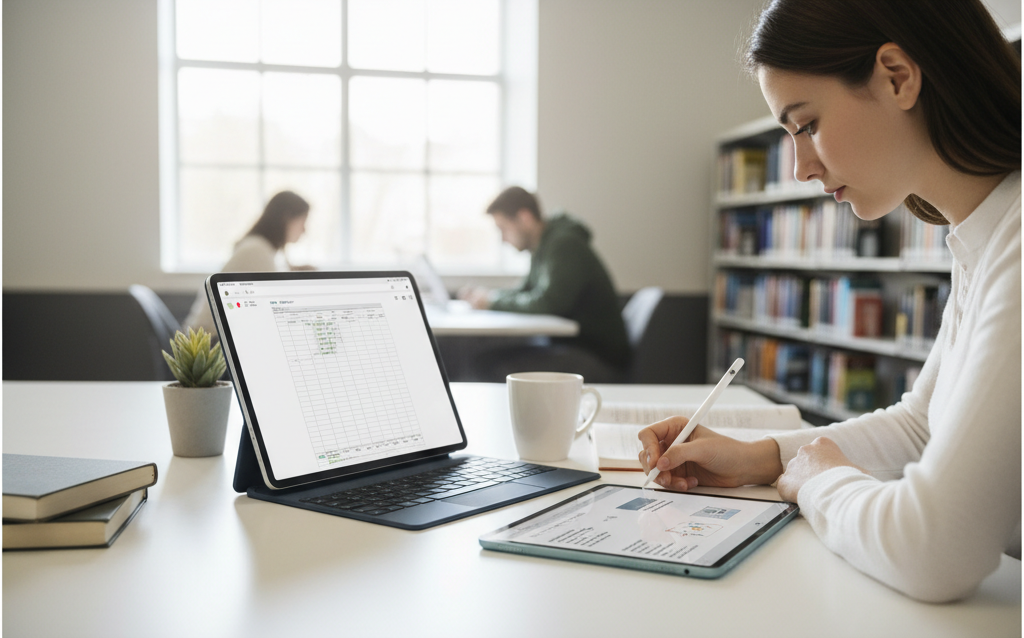
Choosing “the best iPad” is not about raw power, but about matching display, chip, stylus and budget to real usage: studying, drawing, editing video or simply reading and watching content. The official Apple data and specialist media guides agree that iPad Air is the sweet spot for most, iPad Pro is the creative and professional tool, the standard iPad is the entry option, and iPad mini dominates in portability.
The iPad range
Apple maintains four main lines with clear differences in display, power and price. All run the same key apps (Office, Google Workspace, classroom apps, video calls), but not all handle the same workload or offer the same Apple Pencil experience.
- iPad (A16): most affordable model, 10.9″ display, A16 chip, for general and basic educational use.
- iPad Air (M2/M3): 11″ and 13″, Mac-class chips (M-series), good balance between power, weight and price.
- iPad Pro (M4): 11″ and 13″ with OLED displays and high refresh rate (ProMotion), maximum power and best cameras.
- iPad mini (A17 Pro): 8.3″, ultra portable, ideal for reading and use on the move.
Best iPad for studying
The best balance for students is the 11″ iPad Air, especially with a recent M-series chip. The “basic” iPad remains the economical entry point, but sacrifices some longevity and features versus the Air.
- iPad Air 11″ (M2/M3): Ideal for secondary school, university and postgraduate: sufficient power for multitasking, advanced office work, handwritten annotation and some multimedia editing. Compatible with the latest Apple Pencil and keyboards, with good battery and contained weight.
- iPad (A16): Recommended when price is critical (educational institutions, families with several children). Perfect for digital textbooks, PDFs, educational platforms and video calls.
Best iPad for drawing and creativity
- iPad Pro 11″/13″ (M4): OLED displays with high refresh rate, precise colour and low latency with Apple Pencil. The de facto standard for advanced drawing, digital painting and motion graphics.
- iPad Air 11″/13″ (M2/M3): Great option for design or art students who do not yet need maximum Pro brightness and contrast. Runs apps like Procreate, video editors and light 3D tools without issue.
Best iPad for general use, leisure and family
- iPad (A16): Recommended for most home users wanting a “sofa iPad” with good display and long software compatibility.
- iPad mini (A17 Pro): Designed for those who prioritise portability: extended reading, quick notes, use on public transport. Despite the size, it has a very powerful chip.
5 questions to decide
- Will it be your main device or a complement?
- Does your work/study require heavy creative apps or just office work and web platforms?
- How long do you expect to keep it before upgrading?
- How much do you value the display (size, quality, brightness) versus price?
- How much will you write and take handwritten notes?
You can read more at iPad Air or iPad Pro: what an expert would tell you to help you decide