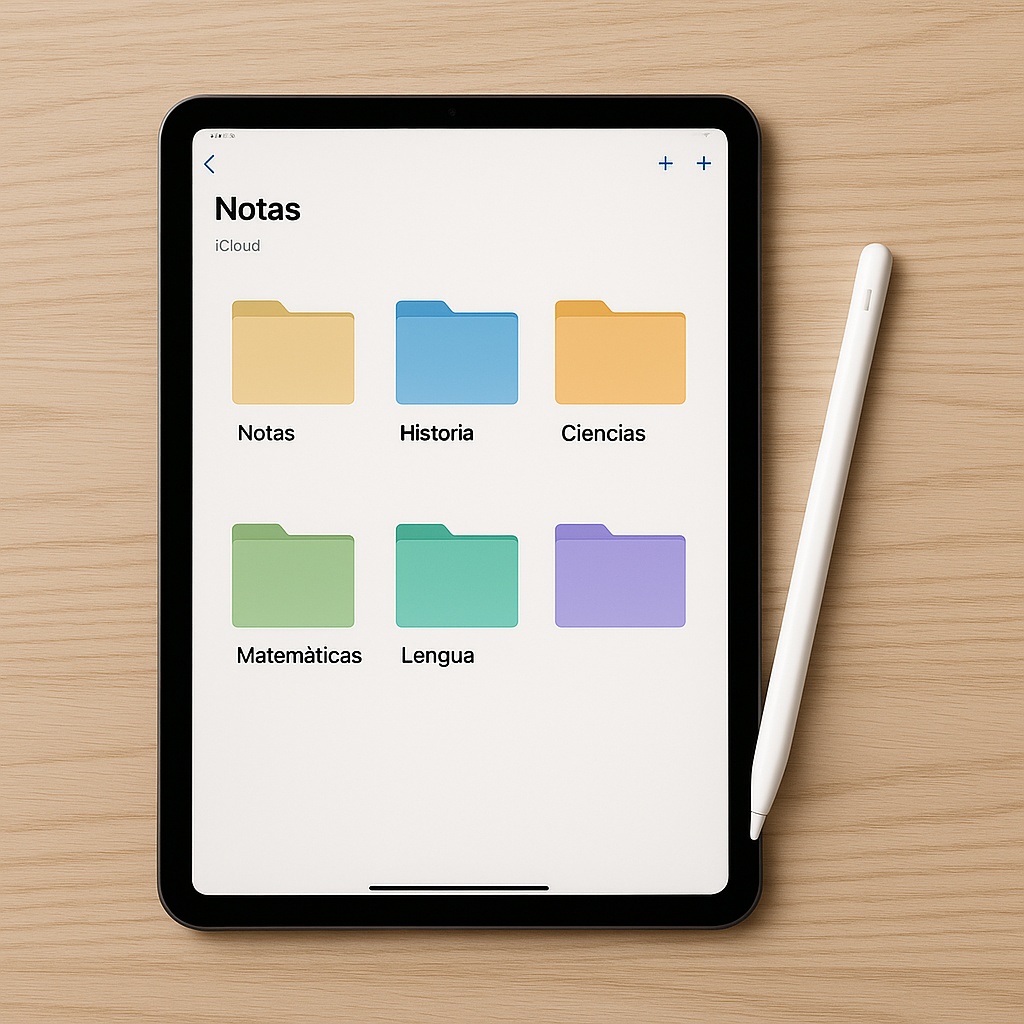
The iPad has become an essential tool for students and professionals looking to improve how they learn, work and organise their information. The combination of note-taking with iPad, Apple Pencil and note-taking apps has changed the way people study at universities, schools and businesses.
Real advantages of taking notes with iPad
- Unified access to all your materials: books, PDFs, notes and diagrams centralised on a single device.
- Smart search: thanks to handwriting recognition, you can find any concept within thousands of pages in seconds.
- Active and multimedia learning: add images, class audio, links and diagrams effortlessly.
- Format flexibility: write by hand, type, record audio or import documents.
- Sustainability: reduces the use of paper, printers and office materials.
An EDUCAUSE (2023) study shows that 78% of students who adopted iPads noticed improvements in their organisational ability and note quality.
The apps we recommend
- GoodNotes: creates unlimited digital notebooks, customises covers, organises notes by subject and converts handwriting into editable text.
- Notability: integrates audio and notes — record class and tap a word to hear what the teacher said at that moment.
Essential setup: create folders by course, enable iCloud or Google Drive sync, configure colour labels, and set up automatic backups.
iPad + Apple Pencil: getting the most out of it
- Natural writing with fluid stroke and low latency.
- Advanced highlighting: change thicknesses and colours instantly.
- Write directly on presentations, PDFs or forms.
- Quick shortcuts: erase or select text with a double tap.
Digitising physical notes
- Quick scanning with Scanner Pro, Adobe Scan or the built-in Notes app.
- Built-in OCR converts handwritten texts into editable ones.
- Import PDFs into GoodNotes or Notability alongside current notes.
iCloud, folders and synchronisation
- iCloud syncs everything in real time between iPad, iPhone and Mac.
- Clear folder structure: by academic year, subject and topic.
- Share notebooks with classmates for group projects.
- Integrate with calendar reminders, task managers and project tools.
Protecting your notes
- Biometric authentication with Face ID or Touch ID.
- Automatic cloud backups with iCloud Backup plus Google Drive or Dropbox.
- Periodic PDF export of important notebooks.
iPad note-taking is not just a modern alternative — it is a more efficient way of studying, organising and protecting information. With the right iPad, an Apple Pencil, the right apps and a solid digital organisation strategy, any student can multiply their productivity.